Agents Demo
Medbot provides an interface where you can run your note agents on sample notes from workspace or a demo note.
To try this out:
-
Go to homepage and navigate to Agents tab from the sidebar.
-
Click on the eye icon under “Actions” column from the table.

-
You will see the agent’s demo page where you can use a demo note to run your agent.
-
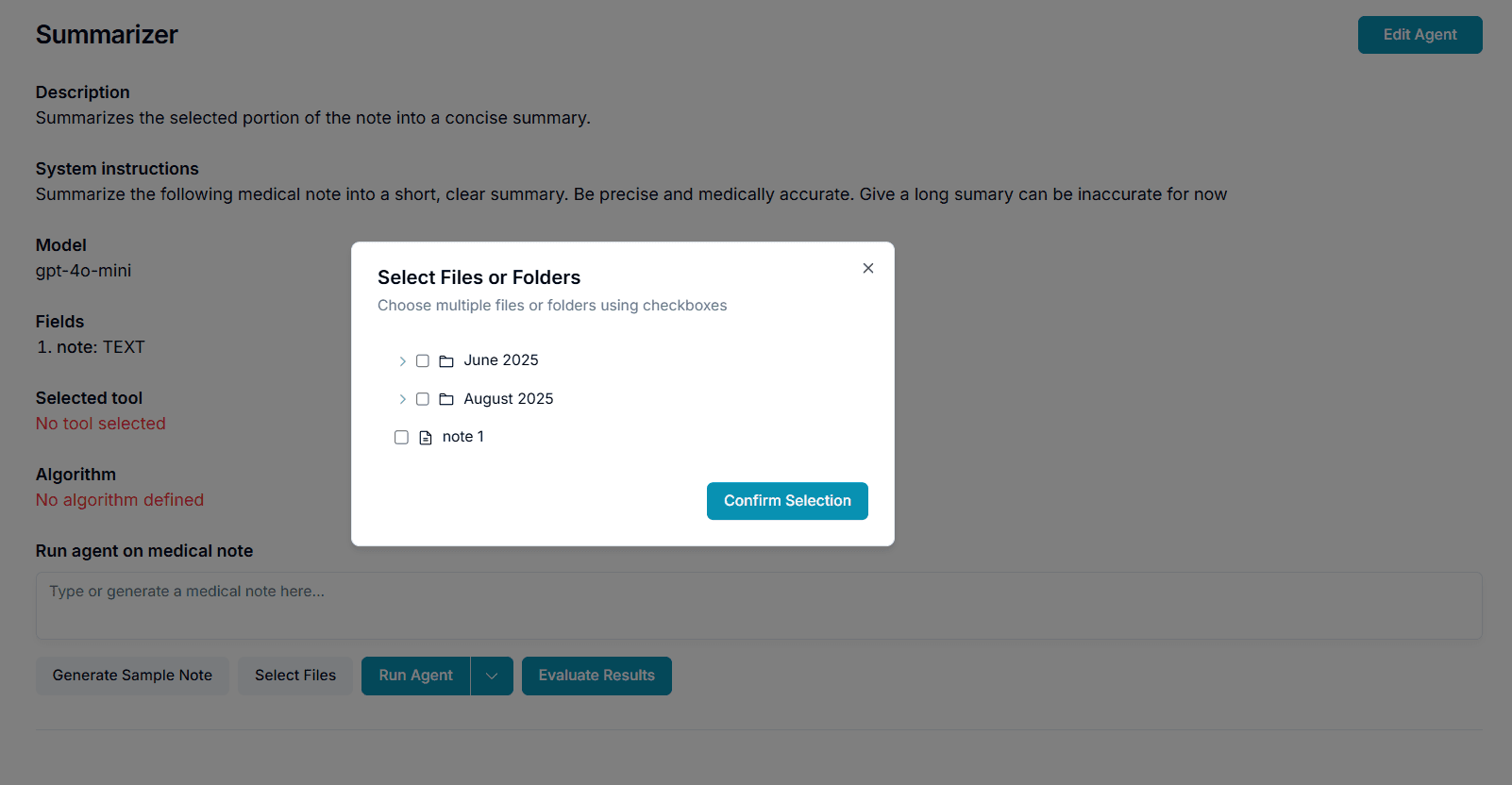
Generate a sample note using “Generate Sample Note” button.

-
You can also select a note from your workspace using the “Select Files” button.
-
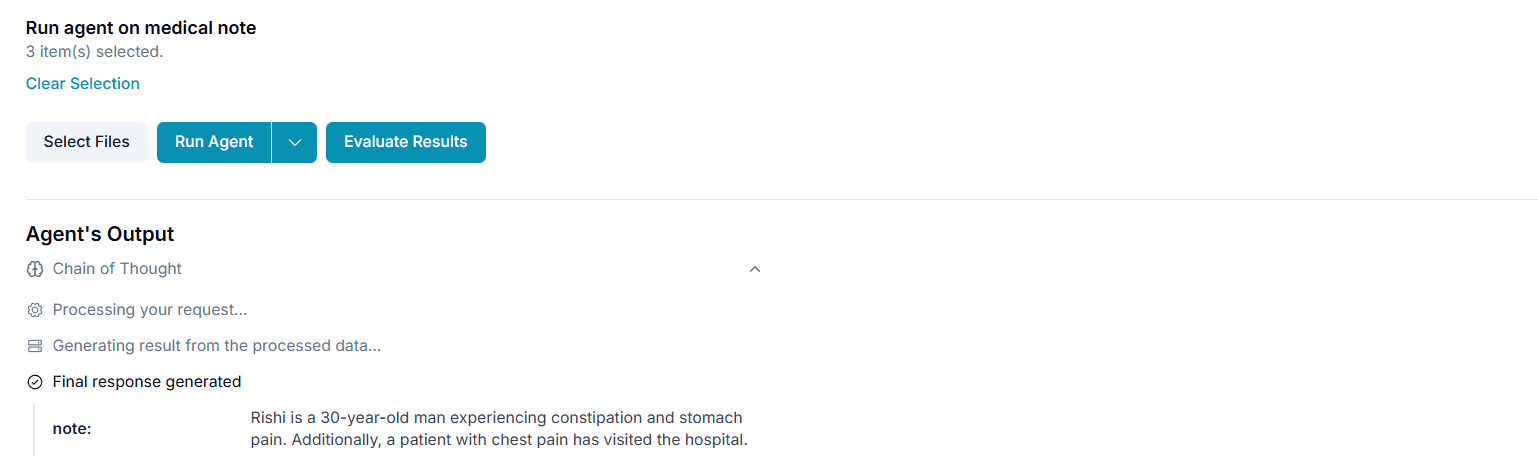
You can run the agent on your demo note using three options which you can see if you click on the Run Agent dropdown. Click either of the three options. You can run the agent with or without algorithm. You can also run the agent in the background using “Run Backgroung process” option. Visit Background Runs to learn more about background runs.

-
After running the agent ,you can see the output as below: