Setting up your resources
In order to upload your clinical resources:
- Navigate to home and click “Clinical Resources” from the sidebar.
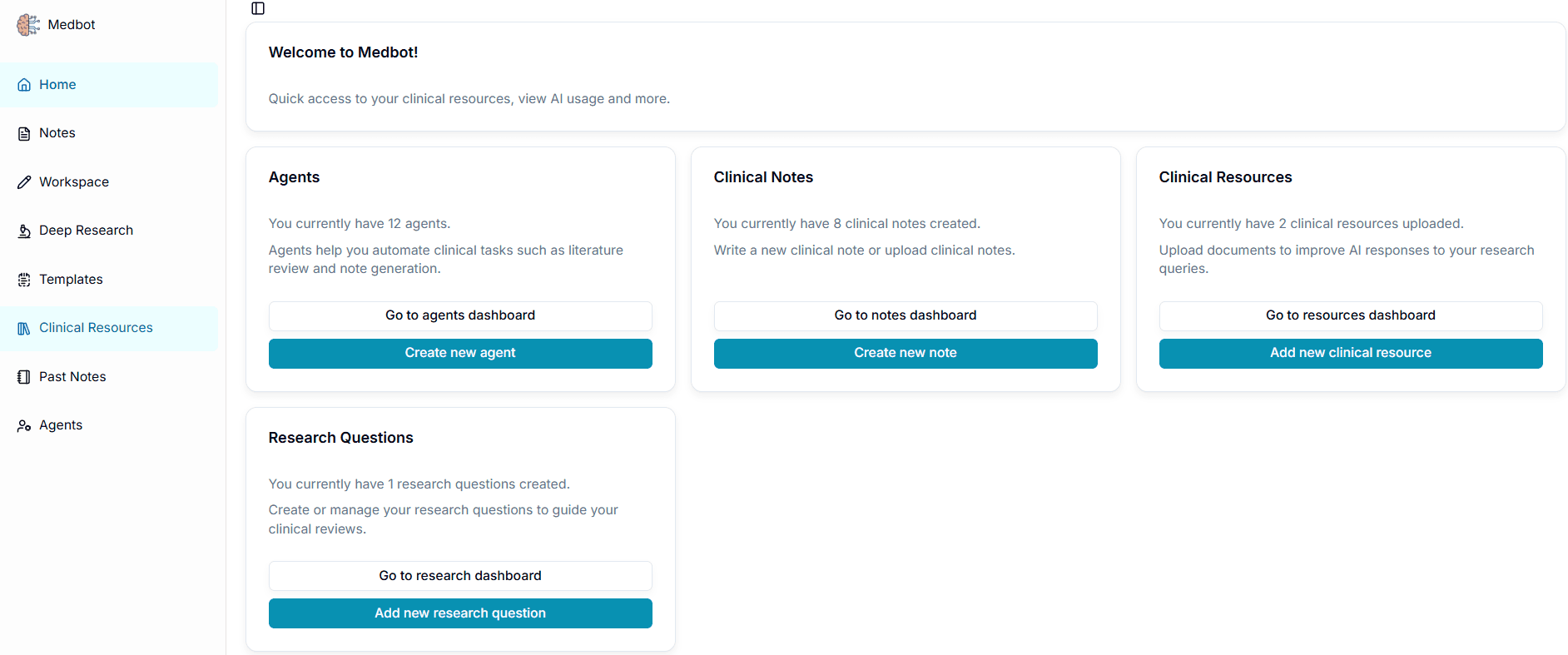
- Click “Create New Resource”
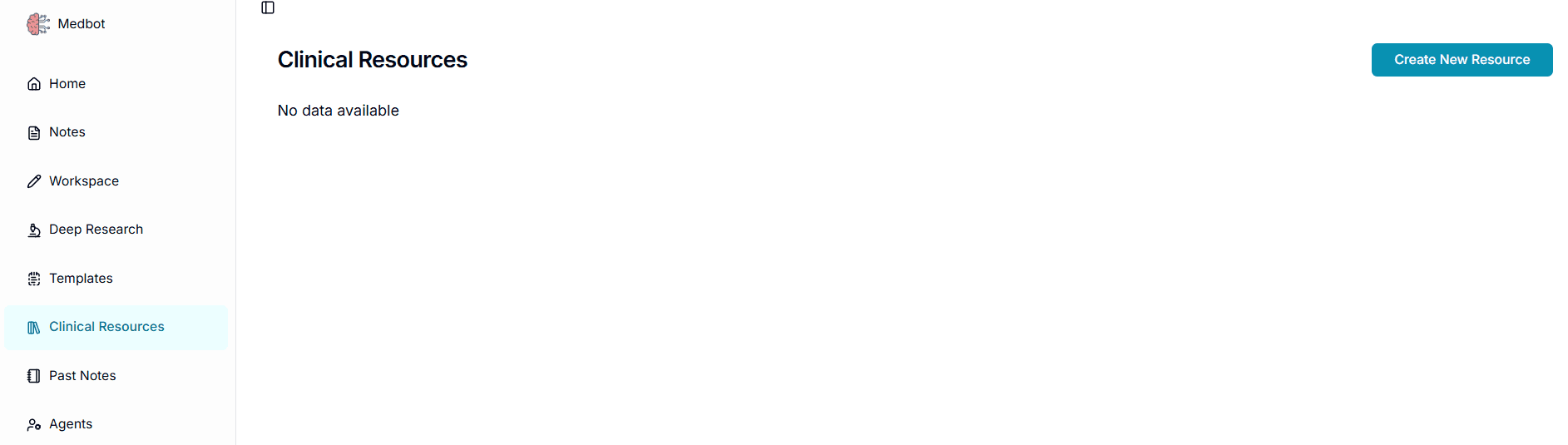
3.Enter your title , description and upload pdf.

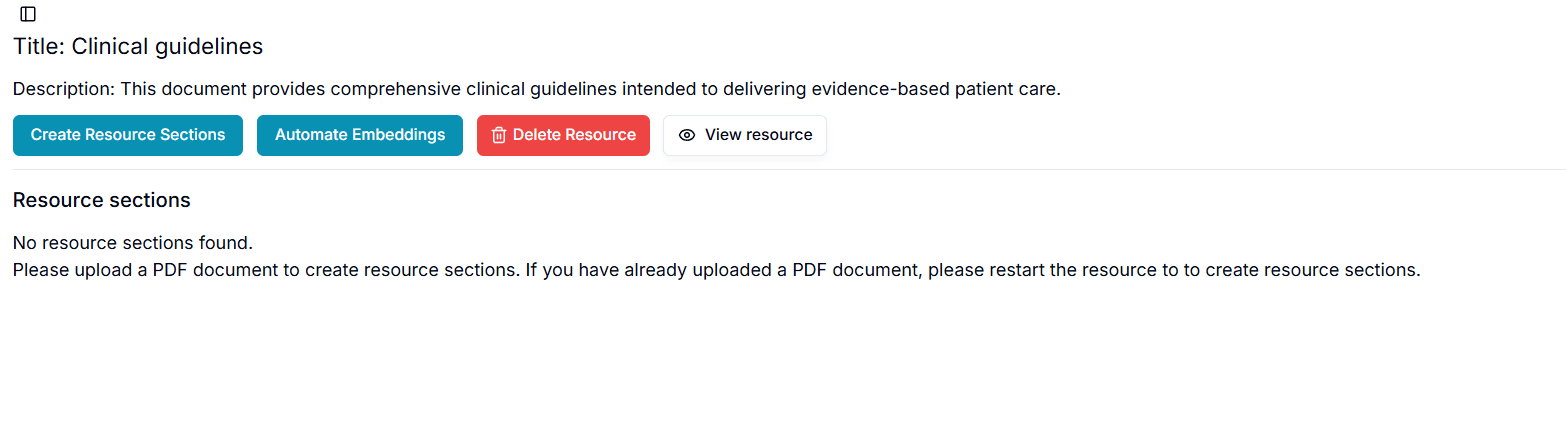
- After uploading, your will see your resource listed. Click on the eye icon under “Actions”.

- You will be navigated to the resource page like below. Click on “Create Resource Sections”.This will take some time.
- You will see the chunks. Select the chunks you think you need or simply select all chunks and click “Generate Document Embeddings”. This will take some time. You will see “Created” under “Embeddings” column in the table.
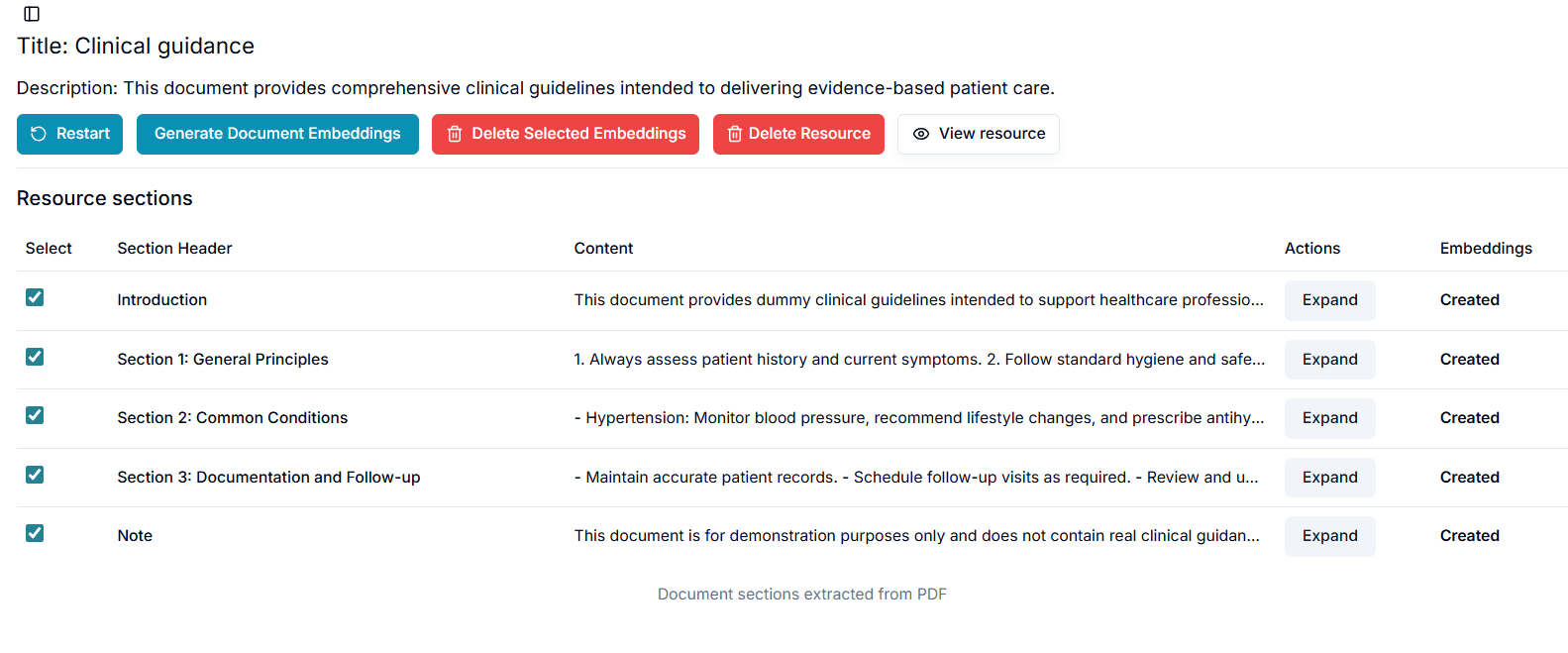
You can delete any embedding you think isnot useful. If you want to skip all these steps, you can simply click “Automate Embeddings” to create embeddings for all your chunks directly. You’ve successfully setup your resources enabling your agents to use them as tools. These resources can be directly referred and used in your workspace as well. Refer to workspace to know how.
Last updated on