Create Tools
Tools are specialized components designed to perform specific tasks that large language models cannot reliably handle on their own, such as precise calculations or interacting with external systems. While LLMs excel at generating language, tools act as executable actions that an agent can invoke to get accurate results from the outside world. In Medbot, admin users can create default tools and expose them to agents, enabling consistent, efficient task completion across workflows.
In order to create a tool:
- Goto home and navigate to “Settings” from the sidebar.
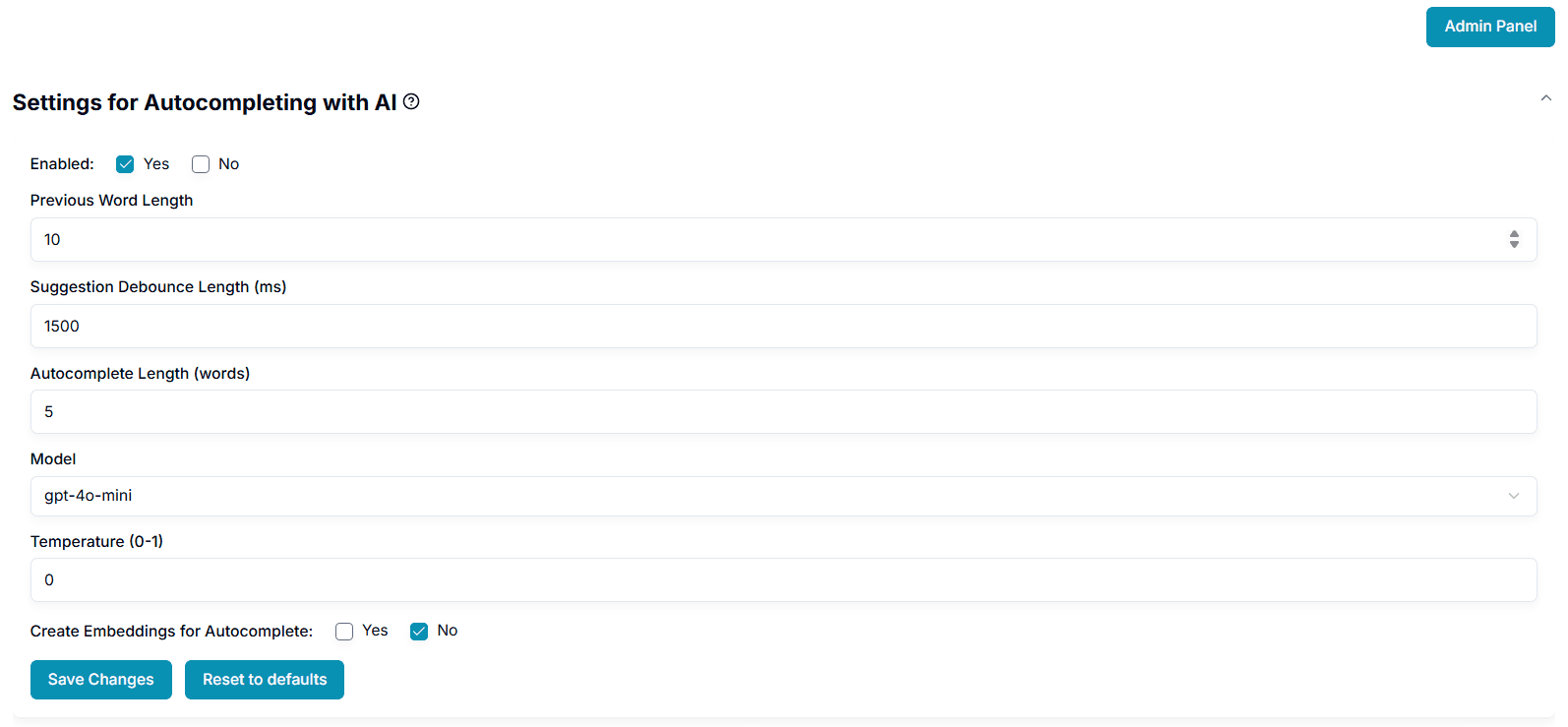
- If you are an admin user, click “Admin Panel” on the top of your settings page to goto the admin panel.
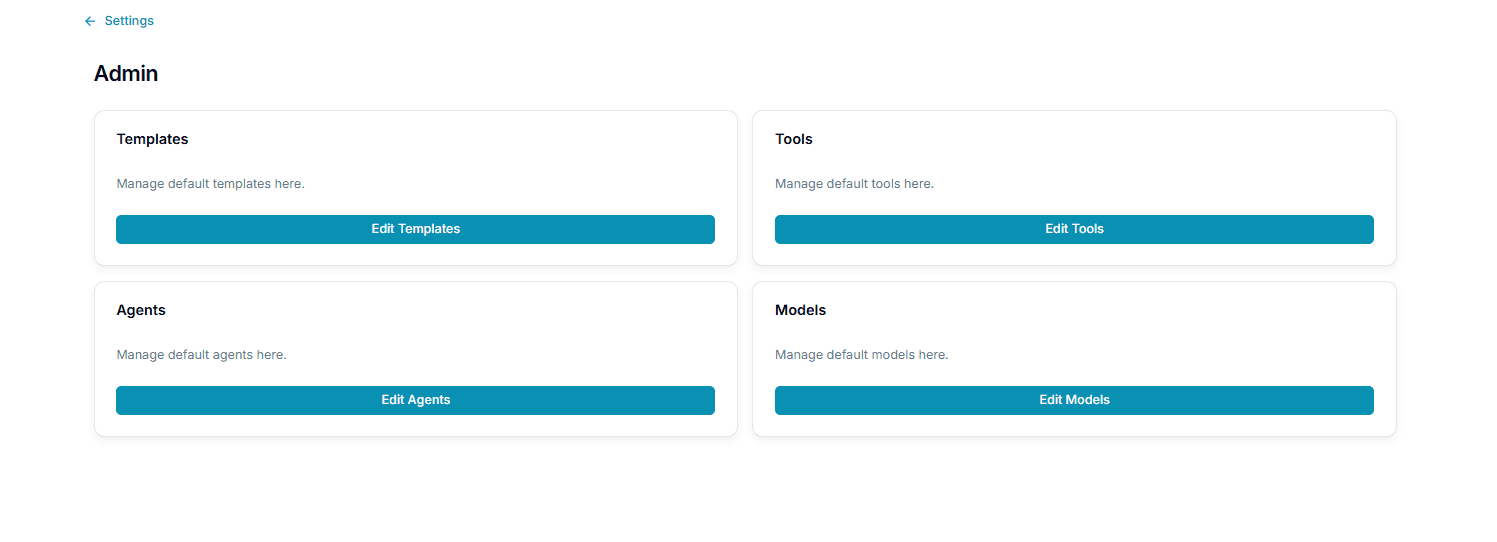
- Click “Edit Tools” to go to tools page.

- To load the default tools, click the “Seed Default Tools” button. You will see the default tools we have.

-
Click “Add New Tool”.
-
Enter all the fields in the form. Each field is described below:
| Field | Description | Affects tool behavior |
|---|---|---|
| Tool Name | The name of the tool to be created. | No |
| Description | A descriptive text describing the tool’s purpose. | No |
| System Instructions | General instructions the tool must follow while executing a task. | Yes |
| Select Model | LLM Model to be used for the tool. | Yes |
| Define input schema for the tool | This schema defines the input parameters taken by your tool | Yes |
| Define output schema for the tool | This schema defines the output given by your tool | Yes |
Visit here for a sample tool definition.
-
Click “Create Tool”
-
You will see the tools listed.You’ve succesfully created the tool.

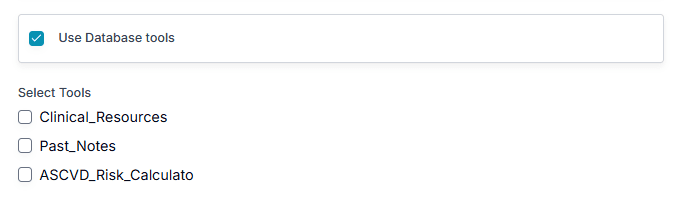
- Your tools are now listed under Actions the agent may take in step 2 of the agent wizard. Turn it on and tick the tool to let an agent use it.
Last updated on