Use Inclusion Exclusion agents
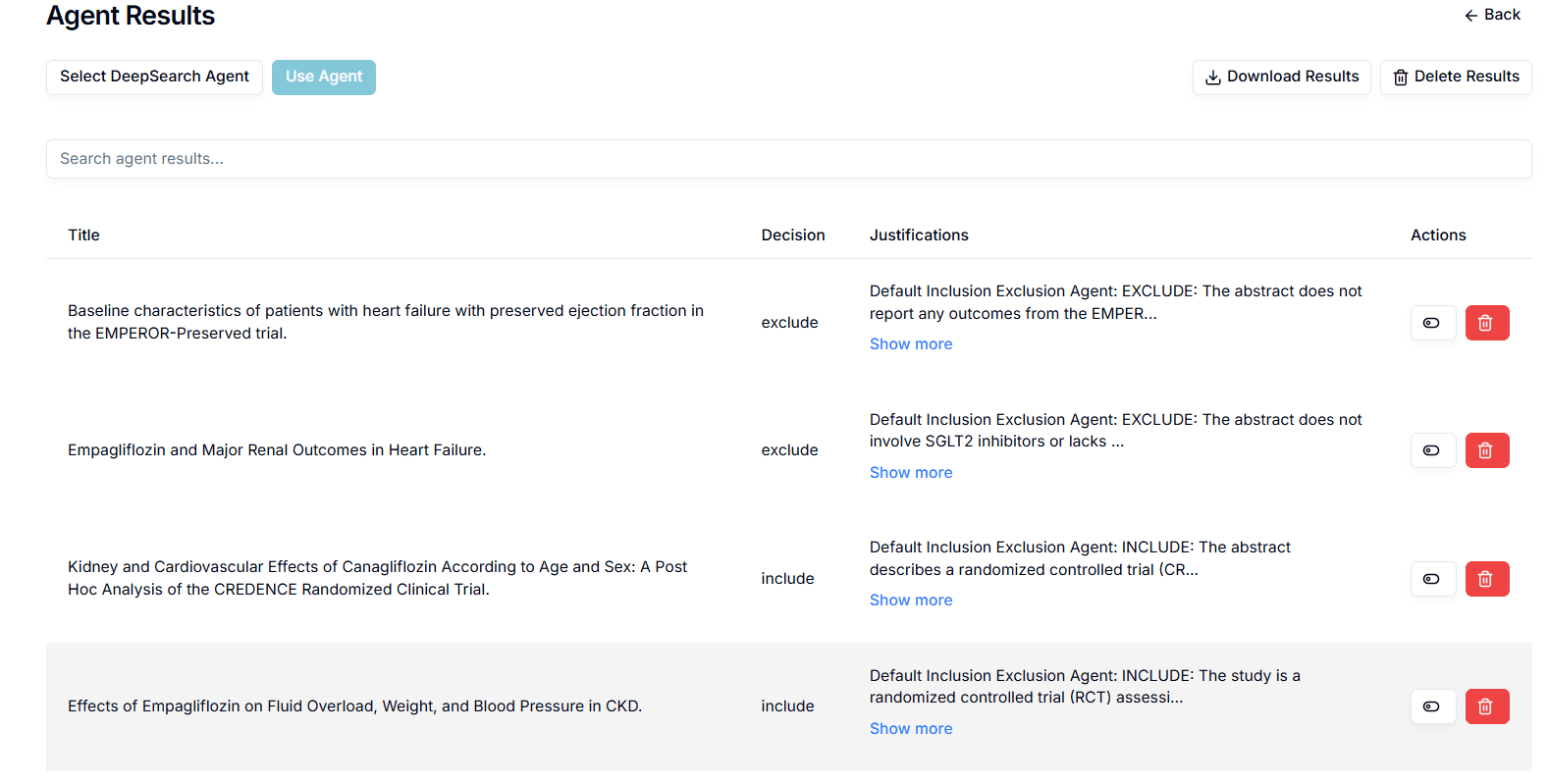
Inclusion exclusion agents are the AI agents which help you filter your search results based on the inclusion and exclusion criteria you generated. This agent analyses each search result, checks if it fits the inclusion criteria, and takes a decision (include or exclude) along with a justification for its decision. You can define your own inclusion exclusion agents from the “Agents” tab or use a default one. You can select multiple inclusion exclusion agents and use them to filter your search results. You will then be navigated to evaluation page where you can evaluate the results.To revisit your results, you can click on “View Agents Results” button.
To use inclusion exclusion agents:
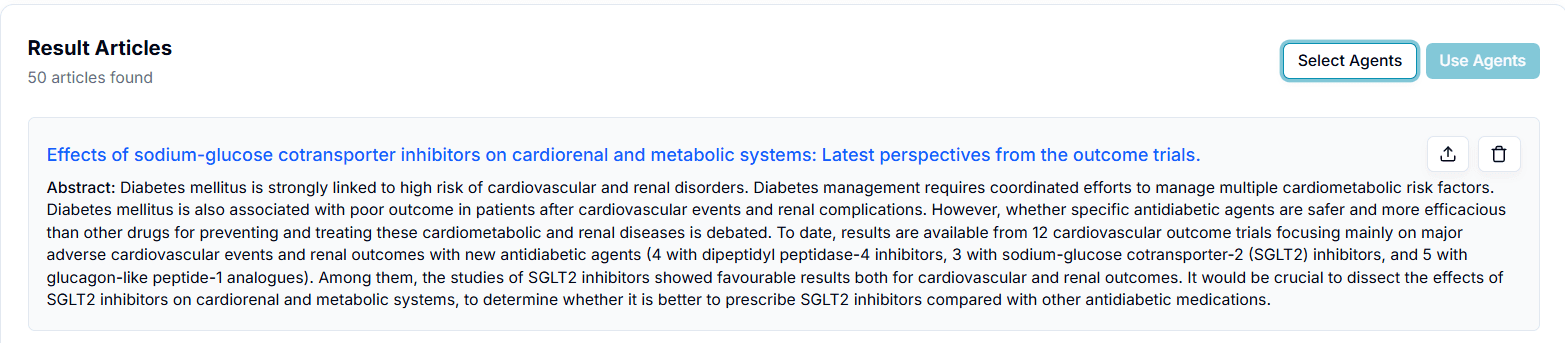
- Click on the “Select Agents” button
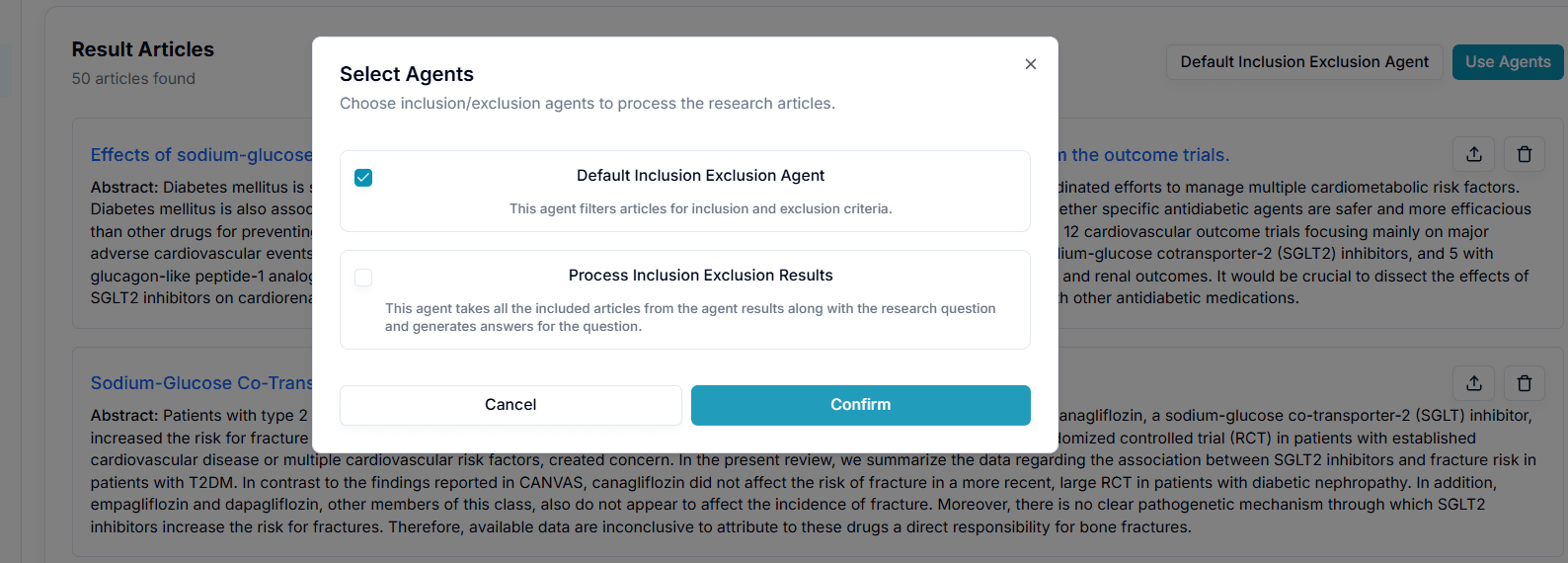
- Select one or multiple agents to filter your results and click “Confirm”.
You will be navigated to the agents’ evaluation page.
Last updated on