Templates
Templates are pieces of text you reuse in your notes, such as a standard examination or a handover layout. Open Templates in the sidebar to manage them.
Your templates are the same in Medbot CMS: its Templates page shows the same Workspace Templates and Document Templates, and its note editors offer your templates too.
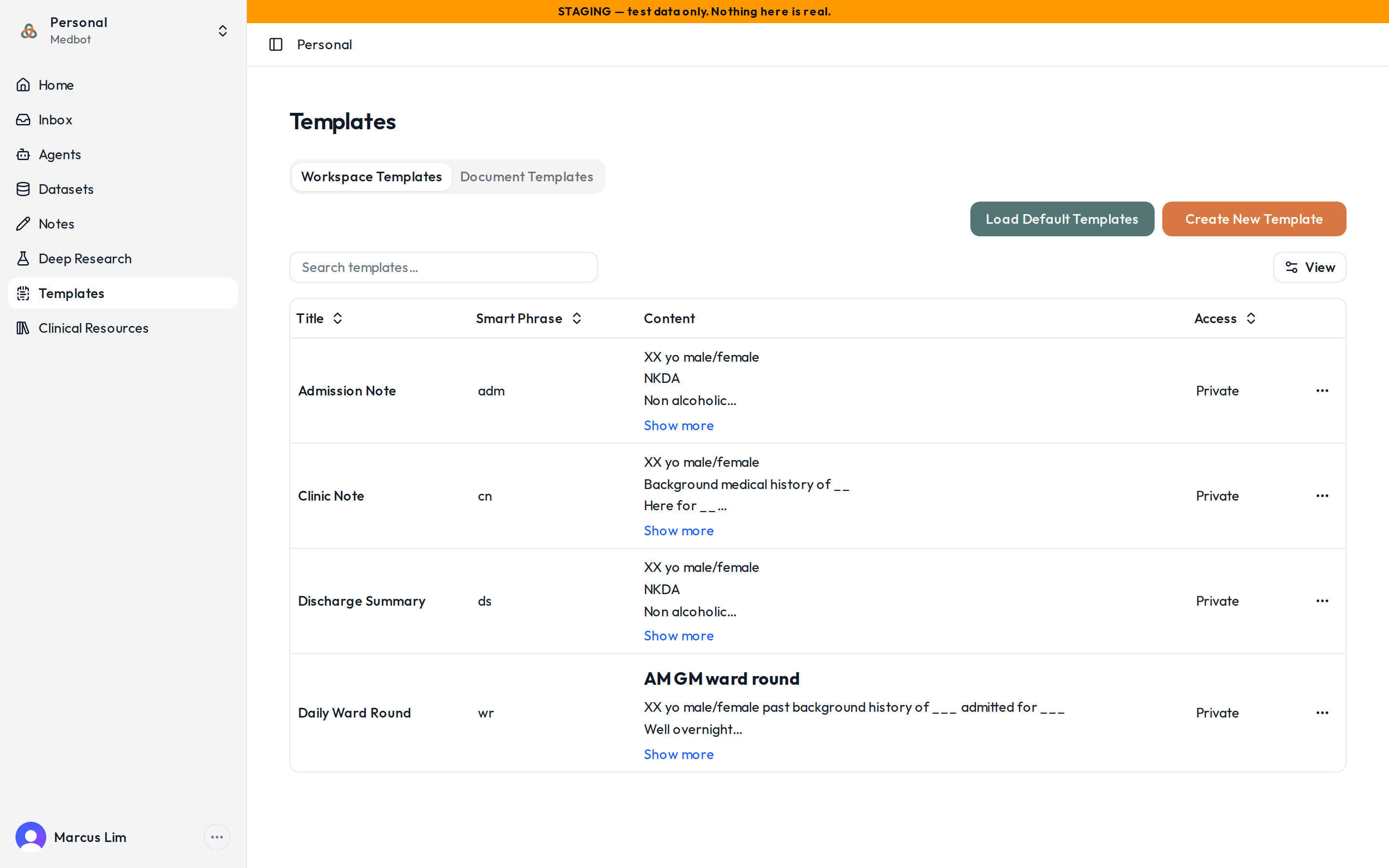
Workspace templates
The Workspace Templates tab lists your templates.
- Load default templates opens a list of Medbot’s starter templates. Tick the ones you want (or Select all) and select Load Templates. The same button is on the Templates tab of the notes panel in the workspace.
- Create New Template opens a form. Enter a title (“Enter template title”), a smart phrase (“Enter template smart phrase”) and the template text, then select Create Template.
To use one while writing, open the Templates tab of the notes panel in the workspace, or choose Templates in the command palette.
Document templates
The Document Templates tab holds templates for generated documents such as referral letters, handoffs, discharge summaries and instruction sheets. Select New template to create one. These are used by service workflows.
Last updated on